One SDK.
Every vendor.
The fastest way to put your app on smart glasses — with the hard parts already built.
- Built for multi-vendor — Meta smart glasses today.
- Voice AI, pairing, and permissions — built in.
- You just write your app. Extentos does the glasses.
// build.gradle.ktsimplementation("com.extentos:glasses:2.8.0")implementation("com.extentos:glasses-ui:2.8.0")
glasses core SDK · glasses-ui — optional connection screenOne integration, every variation.
Every Meta camera-and-audio model in market runs today. Display hardware and new vendors land in beta and preview first, so you can build against them before they ship.
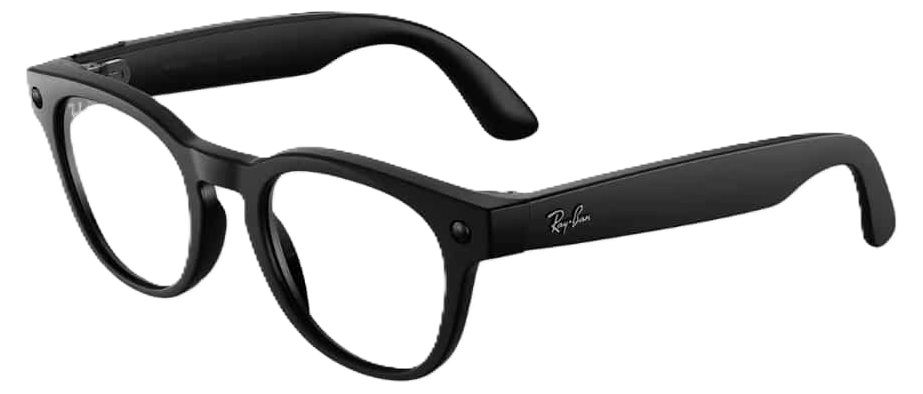


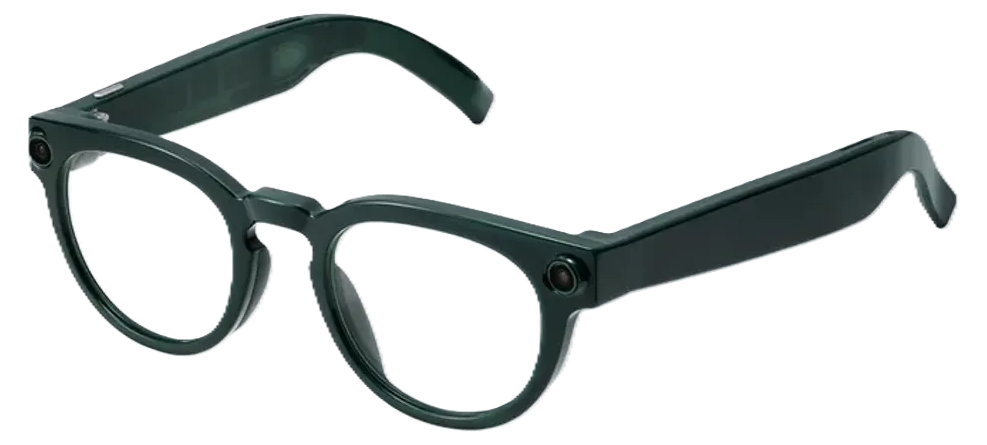
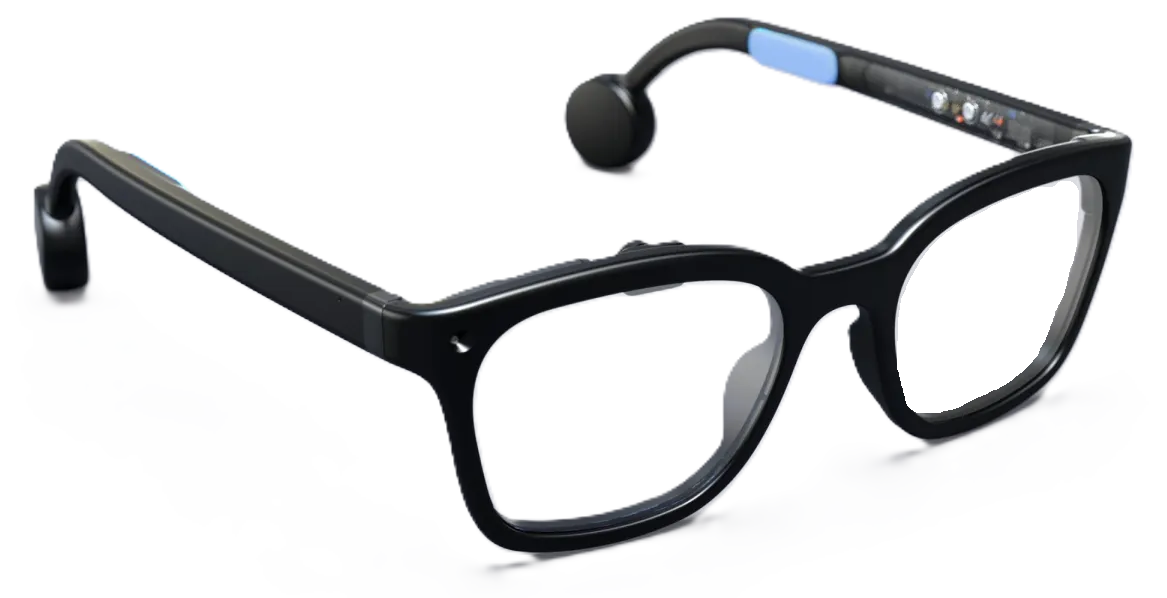
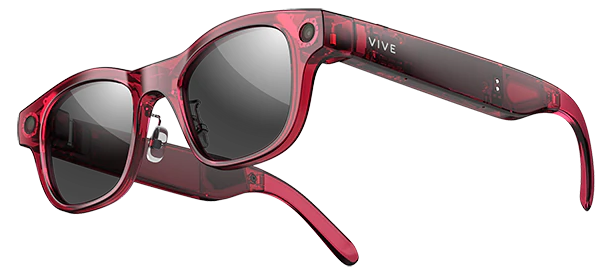
Build once — it runs on all of them. Specialize per model when you want: a different look for Oakley vs Ray-Ban, or the on-glasses display that Ray-Ban Display and Android XR Display and the Brilliant pair have.
A voice AI, built in.
Beyond the glasses primitives, the whole voice stack ships in the SDK — the agent, your model and voice, memory, the managed gateway. Run it on a cloud model, or on a free local model.
The model runs the conversation and calls the tools you write against your app's own data.
Pick any model and voice — in the dashboard or in code. On a managed gateway, no key in your app.
Context carries through the whole conversation — and it can remember returning users across sessions.
Run a free local model on the user's phone instead of a paid cloud one — or let Automatic pick the best fit per device.
Install the MCP. Your agent wires the SDK in.
Drop the Extentos MCP server into your coding agent — it scaffolds the SDK into your iOS or Android app from canonical Kotlin and Swift patterns.